TPRINT
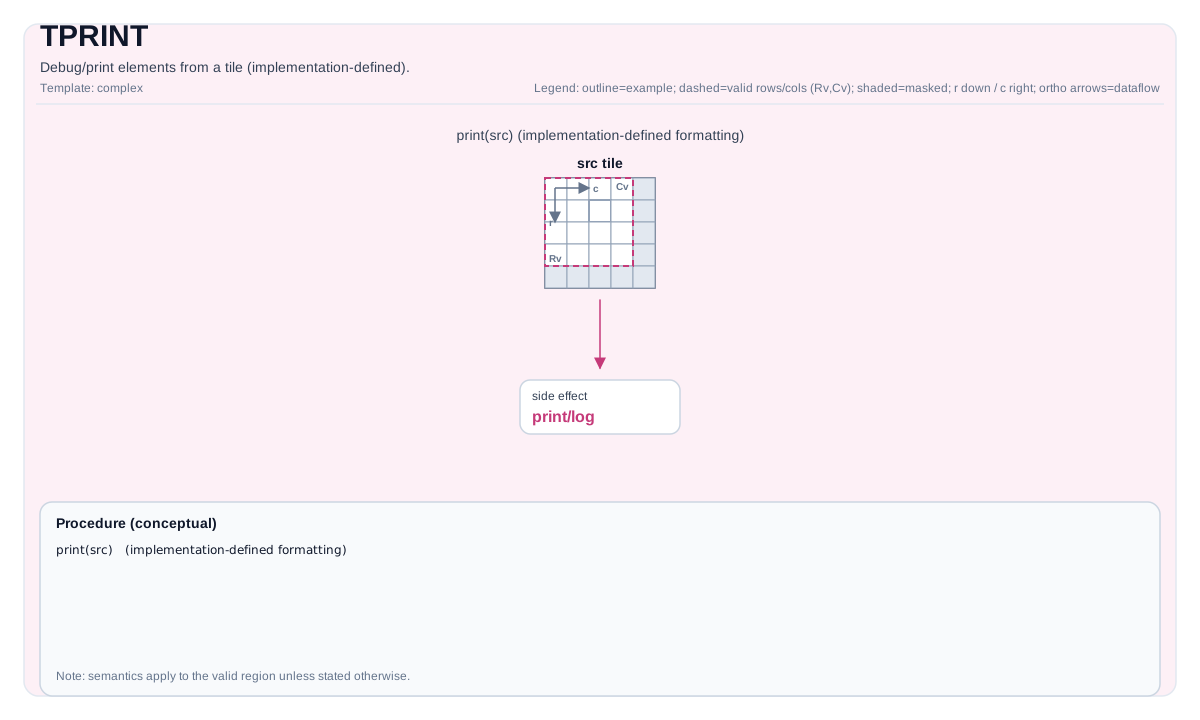
指令示意图
简介
调试/打印Tile中的元素(实现定义)。
从设备代码直接打印Tile或GlobalTensor的内容以用于调试目的。
TPRINT 指令输出存储在Tile或GlobalTensor中的数据的逻辑视图。它支持常见的数据类型(例如 float、half、int8、uint32)和多种内存布局(GlobalTensor的 ND、DN、NZ;片上缓冲区的向量tiles)。
重要:
- 此指令仅用于开发和调试。
- 它会产生显著的运行时开销,不得在生产kernel中使用。
- 如果输出超过内部打印缓冲区,可能会被截断。可以通过在编译选项中添加
-DCCEBlockMaxSize=16384来修改打印缓冲区,默认为16KB。- 需要CCE编译选项
-D_DEBUG --cce-enable-print(参见 行为)。
数学语义
除非另有说明,语义在有效区域上定义,目标相关的行为标记为实现定义。
汇编语法
tprint %src : !pto.tile<...> | !pto.global<...>
AS Level 1(SSA)
pto.tprint %src : !pto.tile<...> | !pto.partition_tensor_view<MxNxdtype> -> ()
AS Level 2(DPS)
pto.tprint ins(%src : !pto.tile_buf<...> | !pto.partition_tensor_view<MxNxdtype>)
C++内建接口
声明于 include/pto/common/pto_instr.hpp:
公共包含头为
<pto/pto-inst.hpp>,内部声明位于pto/common/pto_instr.hpp。
// 适用于打印GlobalTensor或Vec类型Tile
template <PrintFormat Format = PrintFormat::Width8_Precision4, typename TileData>
PTO_INST void TPRINT(TileData &src);

// 适用于打印Acc类型Tile和Mat类型Tile(Mat打印仅适用于A3,A5暂不支持)
template <PrintFormat Format = PrintFormat::Width8_Precision4, typename TileData, typename GlobalData>
PTO_INTERNAL void TPRINT(TileData &src, GlobalData &tmp);
PrintFormat枚举
声明于 include/pto/common/type.hpp:
enum class PrintFormat : uint8_t
{
    Width8_Precision4 = 0,  // 打印宽度8,精度4
    Width8_Precision2 = 1,  // 打印宽度8,精度2
    Width10_Precision6 = 2, // 打印宽度10,精度6
};
支持的T类型
- Tile:TileType必须是
Vec、Acc、Mat(仅A3支持),并具有支持的元素类型。 - GlobalTensor:必须使用布局
ND、DN或NZ,并具有支持的元素类型。
约束
- 支持的元素类型:
- 浮点数:
float、half - 有符号整数:
int8_t、int16_t、int32_t - 无符号整数:
uint8_t、uint16_t、uint32_t
- 浮点数:
- 对于GlobalTensor:布局必须是
Layout::ND、Layout::DN或Layout::NZ之一。 - 对于临时空间:打印
TileType为Mat或Acc的Tile时需要传入gm上的临时空间,临时空间不得小于TileData::Numel * sizeof(TileData::DType)。 - Ascend 950PR/Ascend 950DT暂不支持
TileType为Mat的Tile打印。 - 回显信息:
TileType为Mat时,布局将按照Layout::ND进行打印,其他布局可能会导致信息错位。
行为
- 强制编译标志:
在Atlas A2/A3 训练系列产品/Atlas A2/A3 推理系列产品/Ascend 950PR/Ascend 950DT设备上,TPRINT 使用 cce::printf 通过设备到主机的调试通道输出。必须启用CCE选项 -D_DEBUG --cce-enable-print。
- 缓冲区限制:
cce::printf 的内部打印缓冲区大小有限。如果输出超过此缓冲区,可能会出现类似 "Warning: out of bound! try best to print" 的警告消息,并且只会打印部分数据。
- 同步:
自动插入 pipe_barrier(PIPE_ALL) 以确保所有先前的操作完成且数据一致。
-
格式化:
- 浮点数值:根据
PrintFormat模板参数确定打印格式: PrintFormat::Width8_Precision4:%8.4f(默认)PrintFormat::Width8_Precision2:%8.2fPrintFormat::Width10_Precision6:%10.6f- 整数值:根据
PrintFormat模板参数确定打印格式: PrintFormat::Width8_Precision4或PrintFormat::Width8_Precision2:%8dPrintFormat::Width10_Precision6:%10d- 对于
GlobalTensor,由于数据大小和缓冲区限制,仅打印其逻辑形状(由Shape定义)内的元素。 - 对于
Tile,无效区域(超出validRows/validCols)仍会被打印,但在指定部分有效性时用|分隔符标记。
- 浮点数值:根据
示例
Print a Tile
#include <pto/pto-inst.hpp>

PTO_INTERNAL void DebugTile(__gm__ float *src) {
  using ValidSrcShape = TileShape2D<float, 16, 16>;
  using NDSrcShape = BaseShape2D<float, 32, 32>;
  using GlobalDataSrc = GlobalTensor<float, ValidSrcShape, NDSrcShape>;
  GlobalDataSrc srcGlobal(src);

  using srcTileData = Tile<TileType::Vec, float, 16, 16>;
  srcTileData srcTile;
  TASSIGN(srcTile, 0x0);

  TLOAD(srcTile, srcGlobal);
  TPRINT(srcTile);
}
Print a GlobalTensor
#include <pto/pto-inst.hpp>

PTO_INTERNAL void DebugGlobalTensor(__gm__ float *src) {
  using ValidSrcShape = TileShape2D<float, 16, 16>;
  using NDSrcShape = BaseShape2D<float, 32, 32>;
  using GlobalDataSrc = GlobalTensor<float, ValidSrcShape, NDSrcShape>;
  GlobalDataSrc srcGlobal(src);

  TPRINT(srcGlobal);
}
汇编示例(ASM)
自动模式
# 自动模式:由编译器/运行时负责资源放置与调度。
pto.tprint %src : !pto.tile<...> | !pto.partition_tensor_view<MxNxdtype> -> ()
手动模式
# 手动模式:先显式绑定资源,再发射指令。
# 可选(当该指令包含 tile 操作数时):
# pto.tassign %arg0, @tile(0x1000)
# pto.tassign %arg1, @tile(0x2000)
pto.tprint %src : !pto.tile<...> | !pto.partition_tensor_view<MxNxdtype> -> ()
PTO汇编形式
pto.tprint %src : !pto.tile<...> | !pto.partition_tensor_view<MxNxdtype> -> ()
# AS Level 2 (DPS)
pto.tprint ins(%src : !pto.tile_buf<...> | !pto.partition_tensor_view<MxNxdtype>)